Author's Desk
Shape the world, cast autonomous characters, and watch the story weave itself across dynamic scenes.
Welcome to Storyteller
Quick & Simple GuideHere is everything you need to know to create, listen to, and enjoy great stories in 4 simple steps. No technical knowledge required!
1. Choose an Idea
Pick where and when your story takes place. A mystery in foggy 1920s Edinburgh, a romance in Paris, or a sci-fi adventure in 2045. Choose a 1-click preset or type one sentence!
2. Meet Your Characters
Add 2 or 3 characters to your story. Give each person a name, what they want, and a hidden secret. Because they keep secrets from each other, they will talk and interact naturally!
3. Watch the Story Unfold
The AI places your characters into scenes together. They speak in real dialogue, react to each other, and face unexpected twists. You can even peek behind the scenes to see what they are secretly planning!
4. Read, Listen & Enjoy
Your story is written into beautiful book chapters that read like a published novel. Read with comfortable paper themes, listen with realistic voice audio, or download the full book!
3 Simple Tips for Great Stories
Stories with 3 to 5 chapters are the most exciting to read! They move quickly, have lots of action, and finish with a satisfying ending.
When characters have secrets, their conversations become dramatic and unpredictable. One wants to find the truth, while the other tries to hide it!
A story set in "Victorian London, 1894" feels much more colorful and realistic than just "a city". Specific places give the story rich atmosphere!
Frequently Asked Questions
Yes! Just open any chapter in the Reader view and click the "Listen" button at the top. The built-in audio player will read the chapter aloud to you with realistic voice narration.
If you leave Auto-Continue ON, Storyteller will write the whole book from chapter 1 to the final chapter automatically. If you want to pause, review each chapter, or change characters between chapters, you can turn Auto-Continue OFF anytime.
On any chapter card in the Novel view, click the "Behind the Scenes" button. A drawer will slide open showing the exact words they spoke, their body language, and their secret thoughts during that scene!
Ready to create your story?
Pick an idea, introduce your characters, and let the storytelling begin.
Create New Novel
Launch instantly from visual presets, or let AI expand your single-sentence idea.
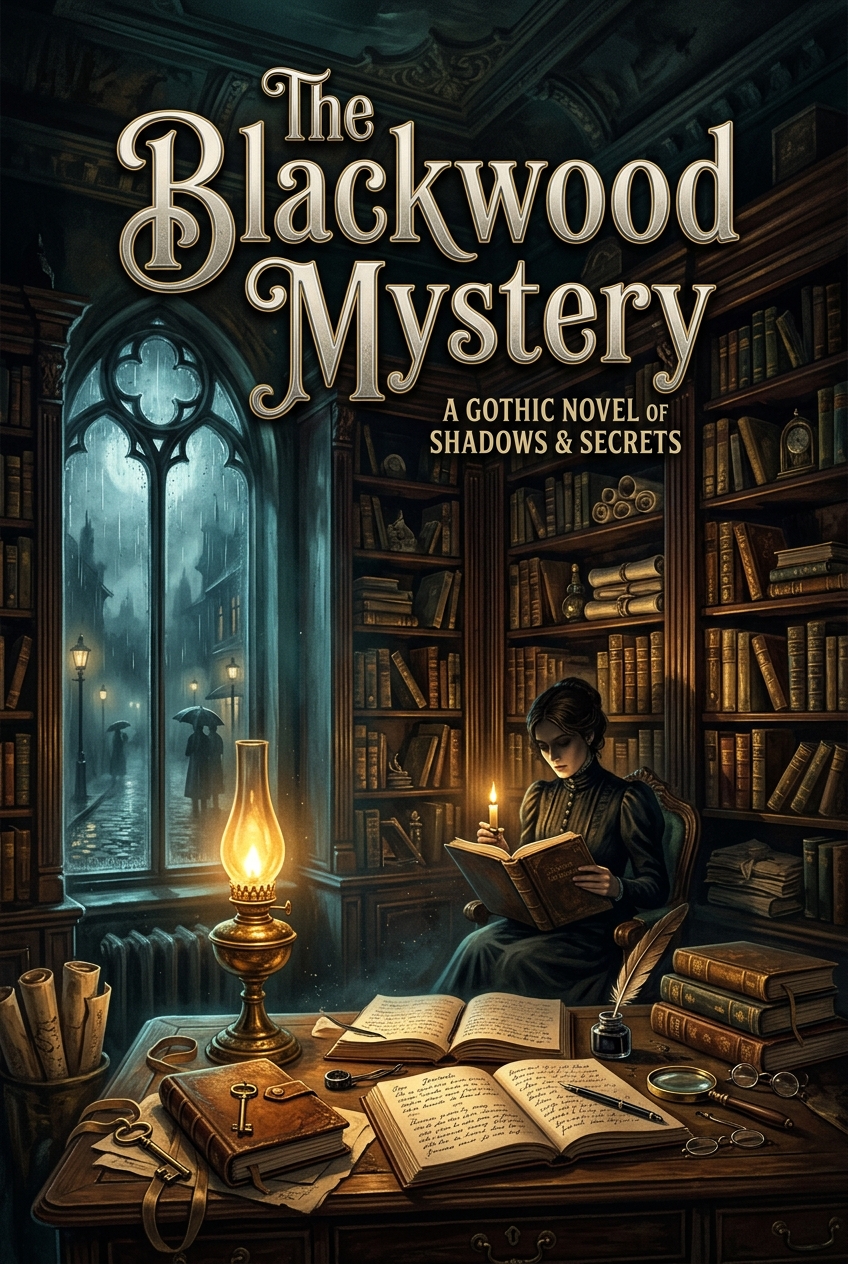
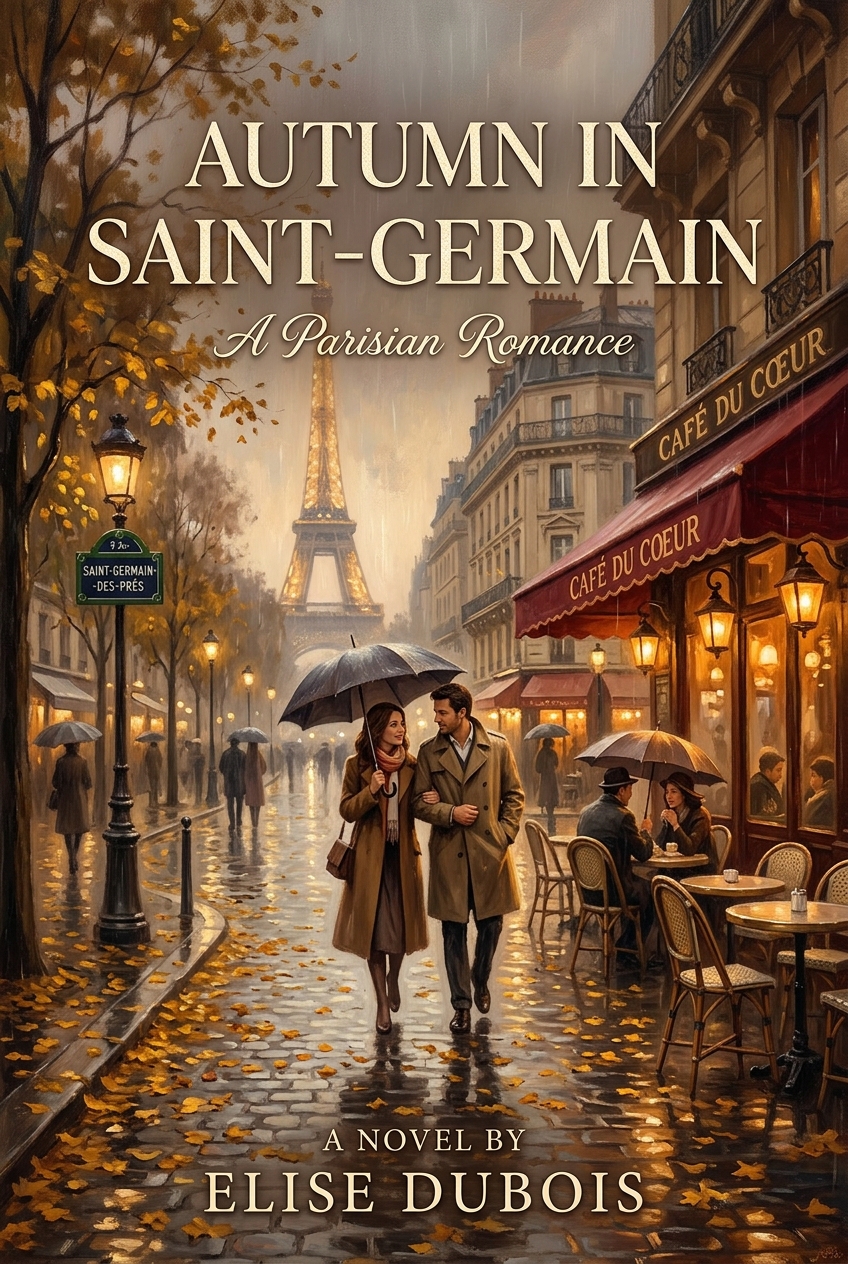
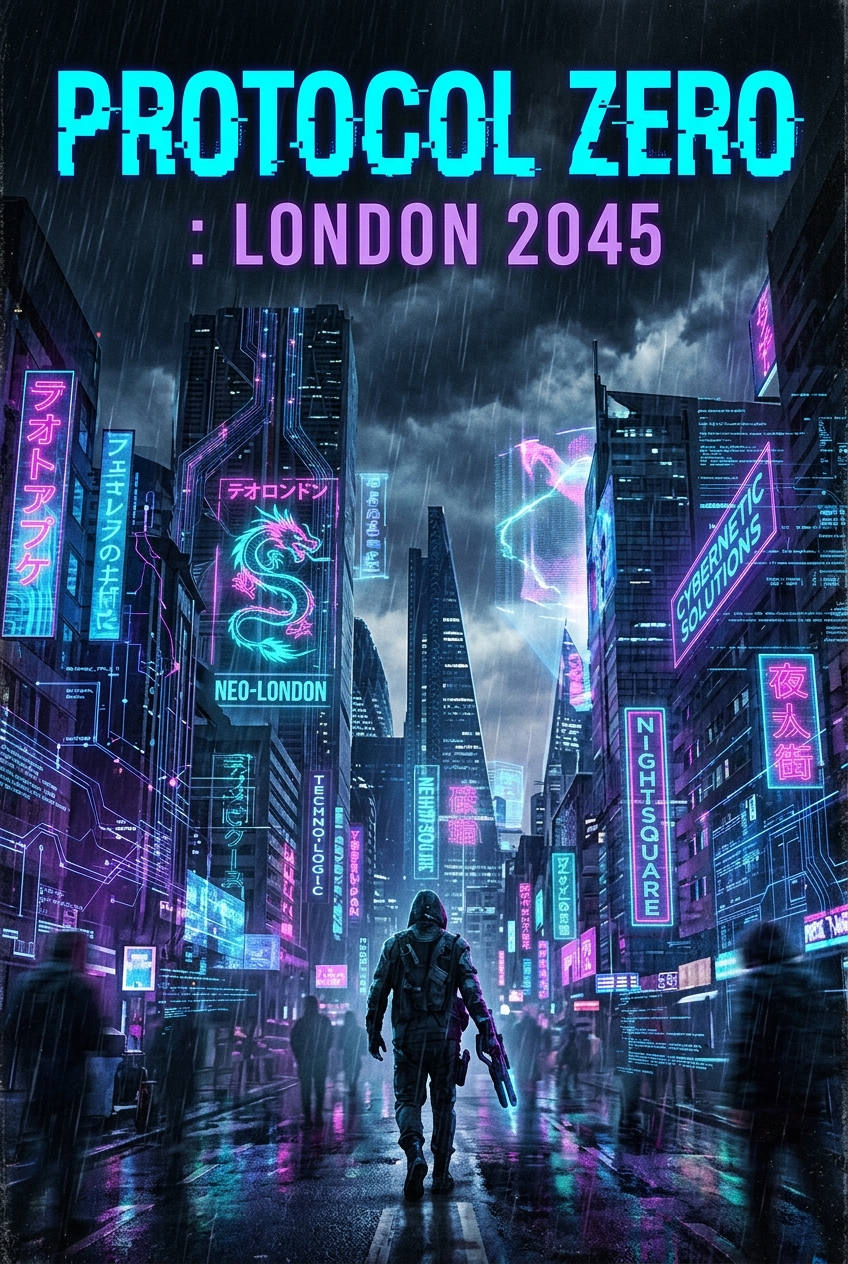
...
Ready...
...
Administration Console
Admin DashboardManage registered authors, oversee story volume metrics, and configure global AI engine credentials.
Platform Authors & Story Volumes
Live overview of all accounts and authored stories (user novel contents remain private).
| Author | Role | Status | Stories Authored | Joined Date | Account Actions |
|---|
Global AI Engine Configuration
Set the central LLM and visual image model credentials. All authors automatically utilize these settings without needing their own API keys.
Set up a dedicated image generation API endpoint, proxy URL, and credentials for chapter hero artwork.